 UnfoldMyMac
Try it on a MacOn battery
Drag down to close the lid, or up to open. Use arrow keys when focused. Charger controls are below.
Eight open apps. Eighteen parcels. A little room to work.
Native scene renders with sample inputs. Your device isn’t read.
Drag down to close the lid, or up to open. Use arrow keys when focused. Charger controls are below.
Eight open apps. Eighteen parcels. A little room to work.
Native scene renders with sample inputs. Your device isn’t read.
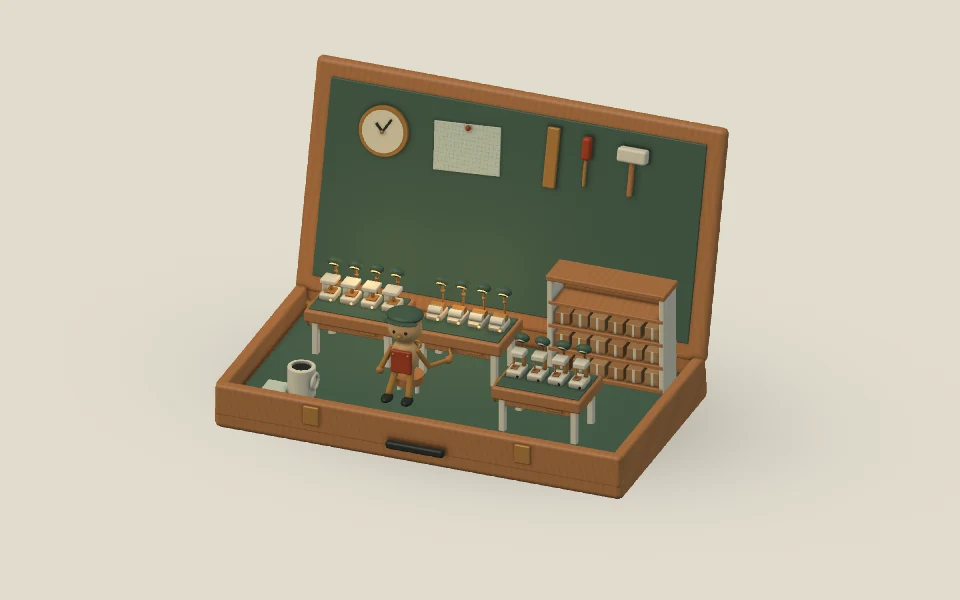
A tiny maker’s studio opens with your Mac. Open apps light the benches; items in a folder you choose become parcels. Gentle motion and rotating lines keep you company.
Included in UnfoldMyMac · macOS 26 or later
A tiny maker's studio tucked into a wooden case. Warm lamps, paper parcels, brass tools, and a little wind-up maker turn your everyday Mac into a place where things take shape.
Lift your MacBook lid and the wooden case opens. The benches rise, task lamps unfold, and the little maker gets to work. Lower the lid and everything tucks away. Every pose follows your lid, even when you change direction halfway.
Each ordinary open app lights a tool station, up to twelve. Launch an app and a lamp warms on; quit one and it settles down. Hidden and minimized apps still count. Finder, UnfoldMyMac and background helpers are excluded. The optional caption always shows the full count.
In Customize, choose Use Desktop items… to fill the shelves from your Desktop, or another folder you choose. Each immediate file, folder, package or shortcut counts once; hidden items are excluded. Up to twenty-four parcels are drawn, with the exact count in the caption. Finder stacks and mounted-drive icons are separate from this folder count. File names and contents are never displayed or saved.
The maker gently shifts its weight and turns a crank while the front tools settle into a slow rhythm. Task lamps cast warm pools of light. Local time moves the studio from soft daylight into evening. Connect your charger while the scene is playing and a warm current travels around the brass rail, then settles into a quiet connected glow.
Eight original motivating lines rotate with a soft fade every forty-five seconds. In Customize, switch the lines or live counts off independently, choose pointer parallax, or mirror the composition. With Reduce Motion the workshop holds a complete open pose and its counts keep updating. The workshop runs without a folder connection; its decorative supplies keep the space welcoming.
Drag down to close the lid, or up to open. Use arrow keys when focused. Charger controls are below.
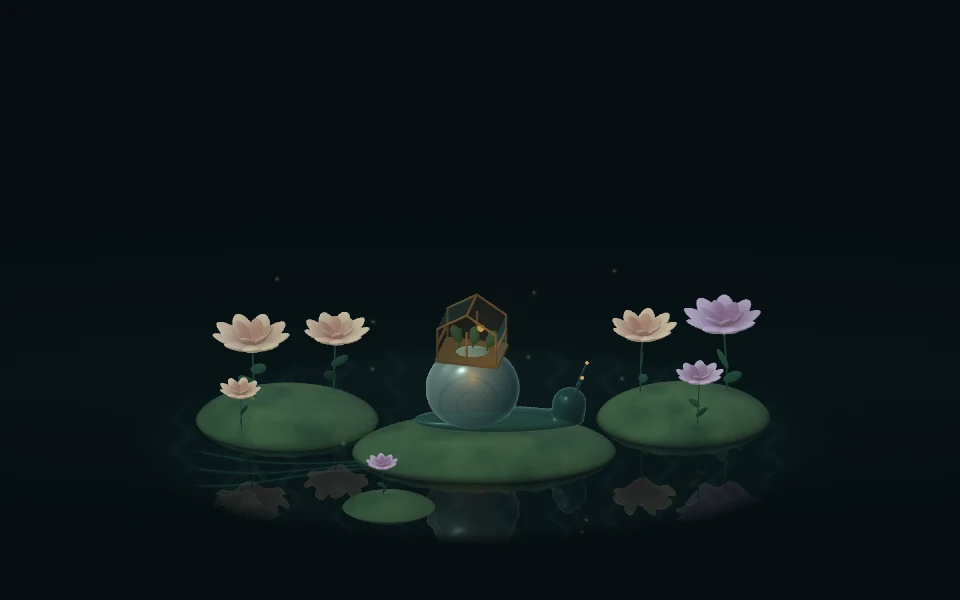
Unplugged, the garden settles into a quieter glow.
Native scene renders with sample inputs. Your device isn’t read.
A glass snail tends a tiny greenhouse. Lid movement, charger power, and optional sound bring the garden to life.
Explore design →