 UnfoldMyMac
Try it on a MacOn battery
Drag down to close the lid, or up to open. Use arrow keys when focused. Charger controls are below.
Unplugged, the garden settles into a quieter glow.
Native scene renders with sample inputs. Your device isn’t read.
Drag down to close the lid, or up to open. Use arrow keys when focused. Charger controls are below.
Unplugged, the garden settles into a quieter glow.
Native scene renders with sample inputs. Your device isn’t read.
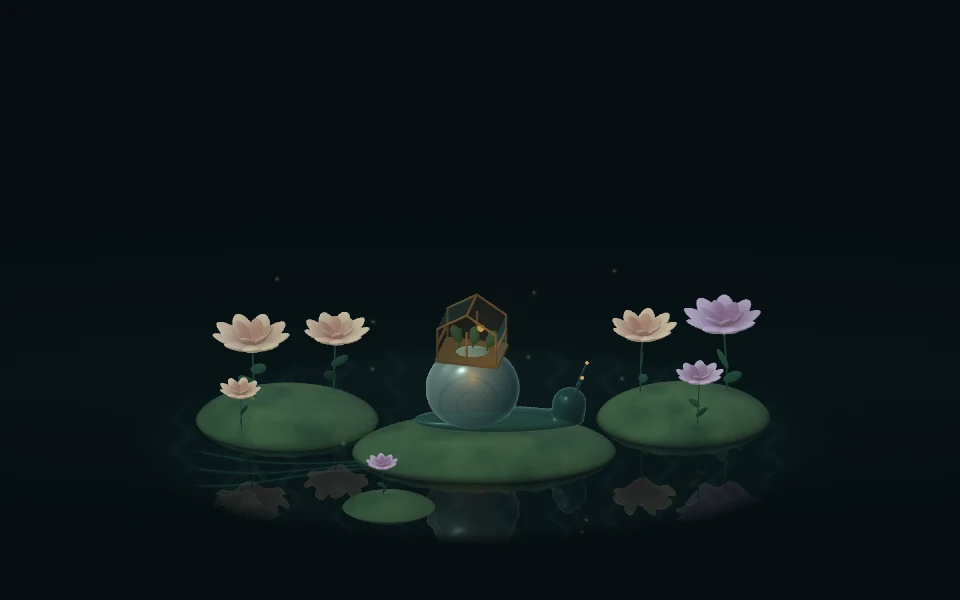
A glass snail tends a tiny greenhouse. Lid movement, charger power, and optional sound bring the garden to life.
Included in UnfoldMyMac · macOS 26 or later
A tiny greenhouse with a glass snail at its heart. Open your MacBook and watch a small world wake up, with light, plants, and unexpected moments that respond to you.
As you open your MacBook, the snail extends its feelers before emerging from its shell. Lower the lid and it retreats; change direction and the movement follows smoothly. Plants sway, pollen drifts, and reflections move across the pool while the garden is awake.
Connect your charger while the garden is running to send a ripple across the pool. A warm current travels through the roots, climbs the snail’s shell, and reaches the greenhouse lantern. The flowers open a little further as the light arrives.
The sequence takes about nine seconds, then settles into a soft glow that stays on while external power is connected—even at full battery. Unplug and the glow fades. Opening the app or waking your Mac while already plugged in shows the connected glow without replaying the traveling light.
Battery level influences the light in the roots and lantern. Local time shifts the scene’s daylight, and CPU activity changes the currents beneath the water. These reactions use your Mac’s local readings automatically; no account or network connection is required.
Move the pointer for a gentle change in perspective. On supported Macs, tilt shifts the view and gyroscope movement stirs the water and plants. Choose Pointer parallax and React to tilt and gyroscope in the Motion tab. Pointer movement still works when physical sensors are unavailable.
Enable React to sound in the Sound tab to let nearby sound stir the garden. Stronger peaks release a brief burst of pollen. Adjust sensitivity to suit your space. Microphone permission is requested when you enable sound reactions; audio is measured as a level and is never recorded or transcribed.
Optional One-liners add a rotating selection of short lines, with a choice of 15, 45, or 120 seconds between changes. With sound reactions and the blow option enabled, a sustained blow can advance the line. Other sustained nearby sounds can also trigger it. One-liners are off by default.
With Reduce Motion, the garden holds an open, still pose, sound reactions pause, and the current one-liner stays in place. The soft connected-power glow remains available. Customize previews your settings; Save keeps them and Cancel restores your previous choices.
Drag down to close the lid, or up to open. Use arrow keys when focused. Charger controls are below.
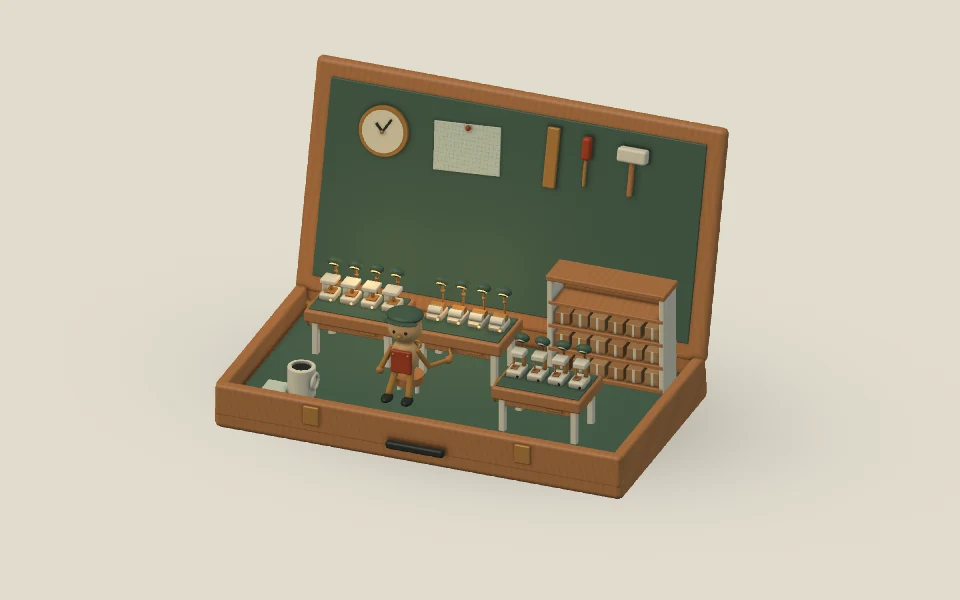
Eight open apps. Eighteen parcels. A little room to work.
Native scene renders with sample inputs. Your device isn’t read.
A tiny maker’s studio opens with your Mac. Open apps light the benches; items in a folder you choose become parcels. Gentle motion and rotating lines keep you company.
Explore design →